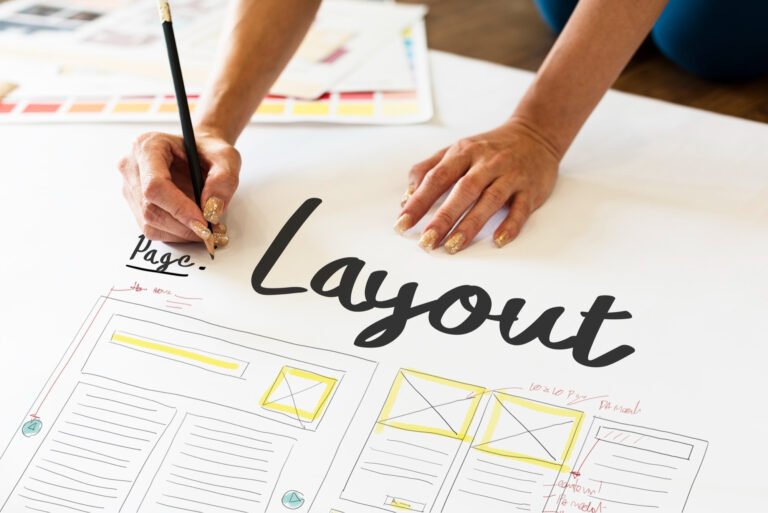
1) Prepare the design system in Figma
I begin with a lightweight design system: color variables, type scales, spacing (4/8px rhythm), and button/input components. Naming conventions matter (e.g., Btn/Primary/Large) so Elementor widgets map cleanly. I design mobile-first frames, then tablet and desktop, ensuring breakpoints align with Elementor’s responsive controls.
2) Componentize and annotate
Every reusable section (Hero, Features, Pricing, FAQs) becomes a Figma component with clear constraints and auto-layout. I annotate font sizes, line heights, spacing, and shadows so I can translate them into global styles later. Image containers include target aspect ratios to guide responsive images and prevent layout shifts.
3) Optimize assets for export
I mark images and icons for export as WebP or SVG (for logos and line icons). I export at the smallest dimension needed for desktop and leave room for responsive srcset. Background textures are compressed and tested against dark/light overlays to keep Core Web Vitals healthy—especially LCP.
4) Set the WordPress foundation
On WordPress, I install Elementor (and Elementor Pro when needed), a lightweight theme, and essential plugins for caching and security. Then I configure global styles—colors, typography, spacing, and button presets—to mirror the Figma tokens. This step slashes build time and keeps the UI consistent site-wide.
5) Recreate layout with containers
Using Elementor Containers (flexbox), I rebuild sections from top to bottom: header, hero, content blocks, pricing, testimonials, and footer. I match Figma spacing with container padding/margins, apply min/max widths, and set responsive rules for columns and order. I drop images into
![]()
widgets, not background layers, to preserve semantics and enable responsive loading.
6) Build reusable templates
I save headers, footers, heroes, FAQs, and CTAs as Elementor templates. Dynamic content (blog cards, service lists) is mapped to custom fields when needed, keeping future edits no-code and scalable.
7) Polish for SEO and performance
I write clean slugs and SEO-friendly titles, add internal links between related pages, and implement FAQ schema when relevant. For speed: lazy-load media, preload critical fonts, and deliver assets via CDN. I test with Lighthouse/PageSpeed and tweak for CLS/INP improvements.